One ad blocker for your whole PC.
AdFender blocks ads, trackers, and malicious ads in Chrome, Edge, Firefox, Opera and other supported browsers — no extensions, no per-browser setup. And it all runs privately, on your device.
Windows 10 and 11 · no browser extensions needed
14 days free, then plans from $24.99/year for 3 PCs, plus tax · no automatic renewal
AdFender doesn’t track what you browse
All the filtering happens on your device. AdFender checks the sites you visit on your PC and never sends us your browsing history — and it doesn’t build a profile of what you do online. Turn on the optional activity log and it stays local too, for your eyes only.
No browsing history collected. No profile of you. See our Privacy Policy for the specifics.
See AdFender for Windows in action
One clean, modern app — protection starts on its own. Here’s the tour.
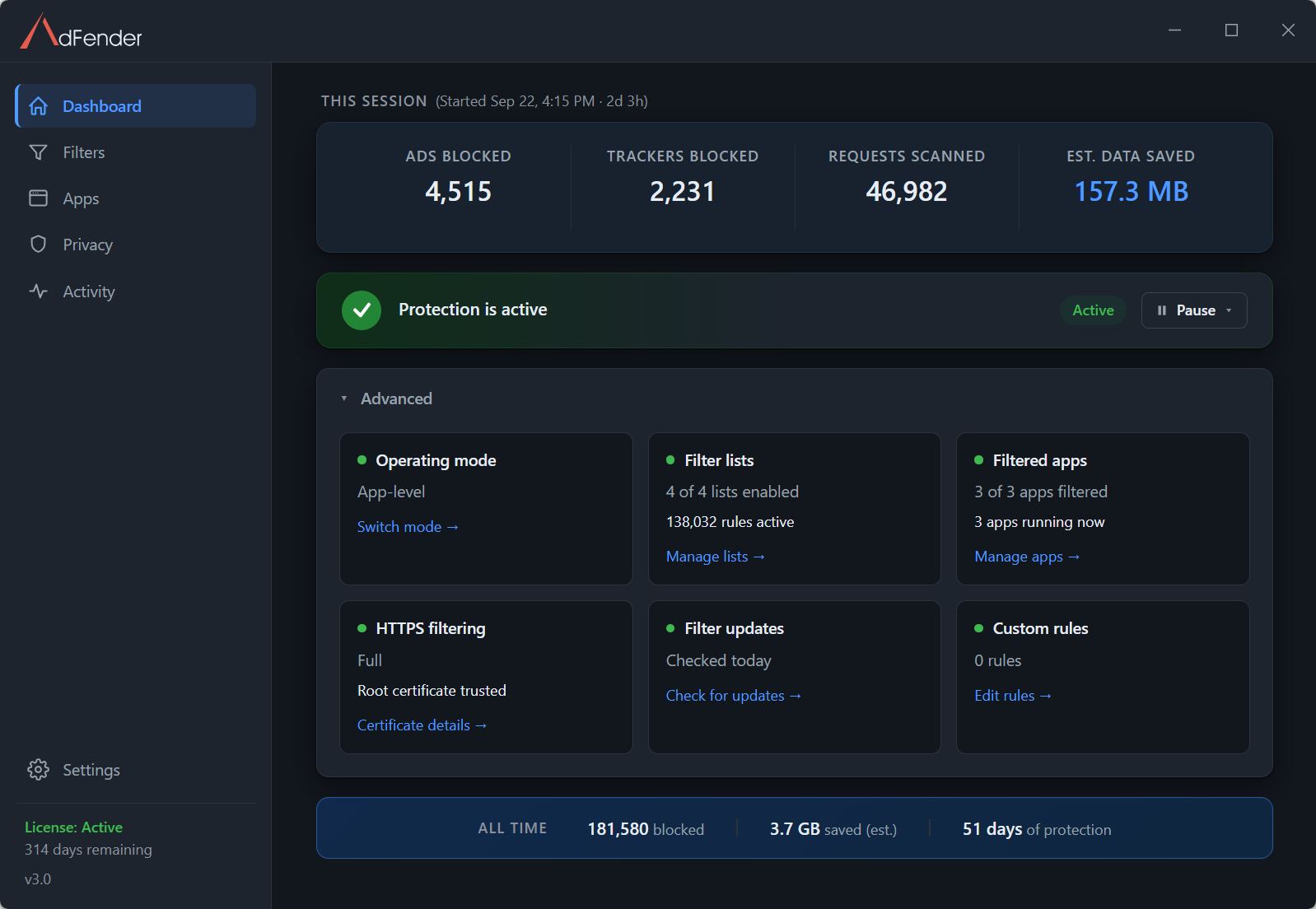
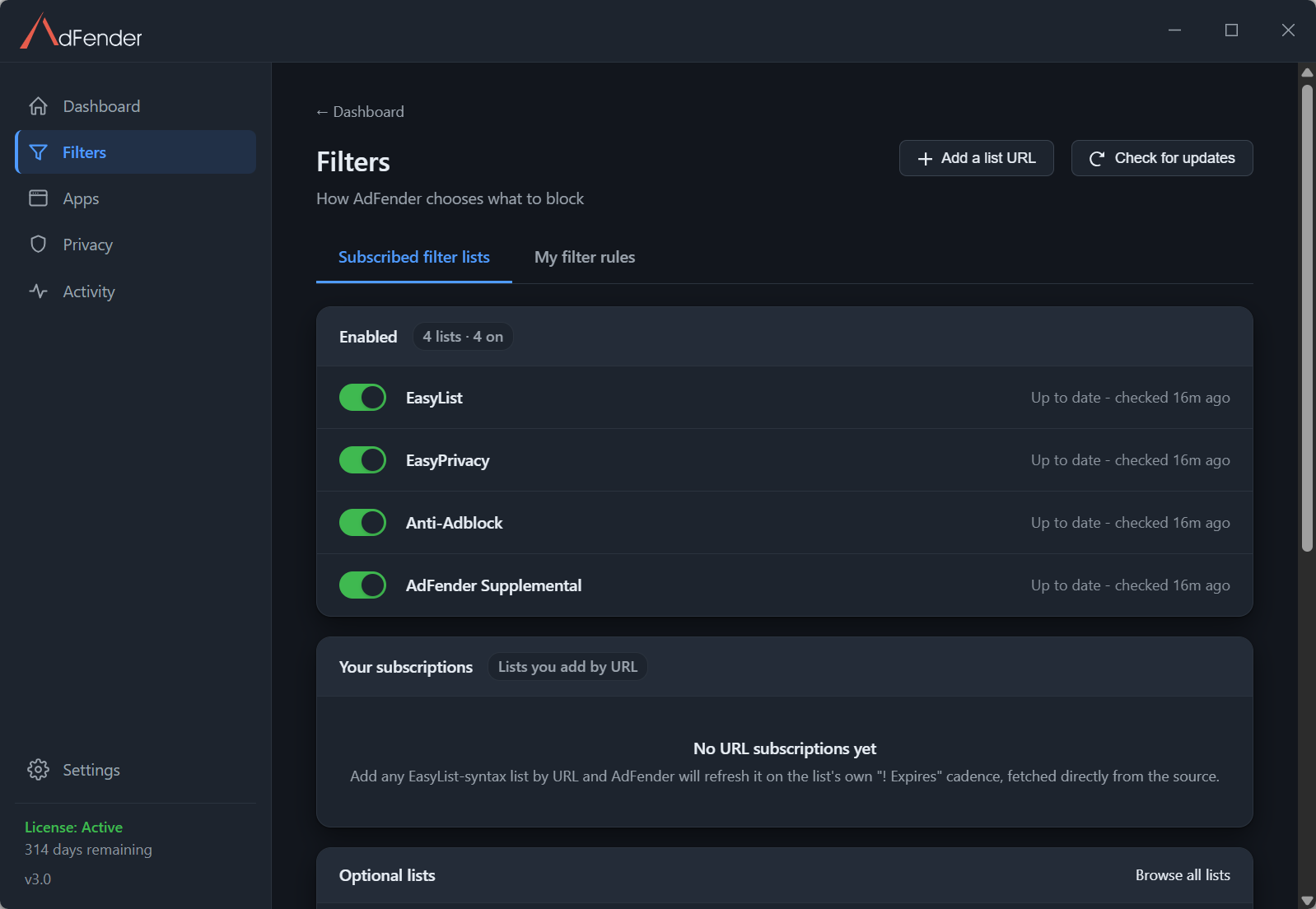
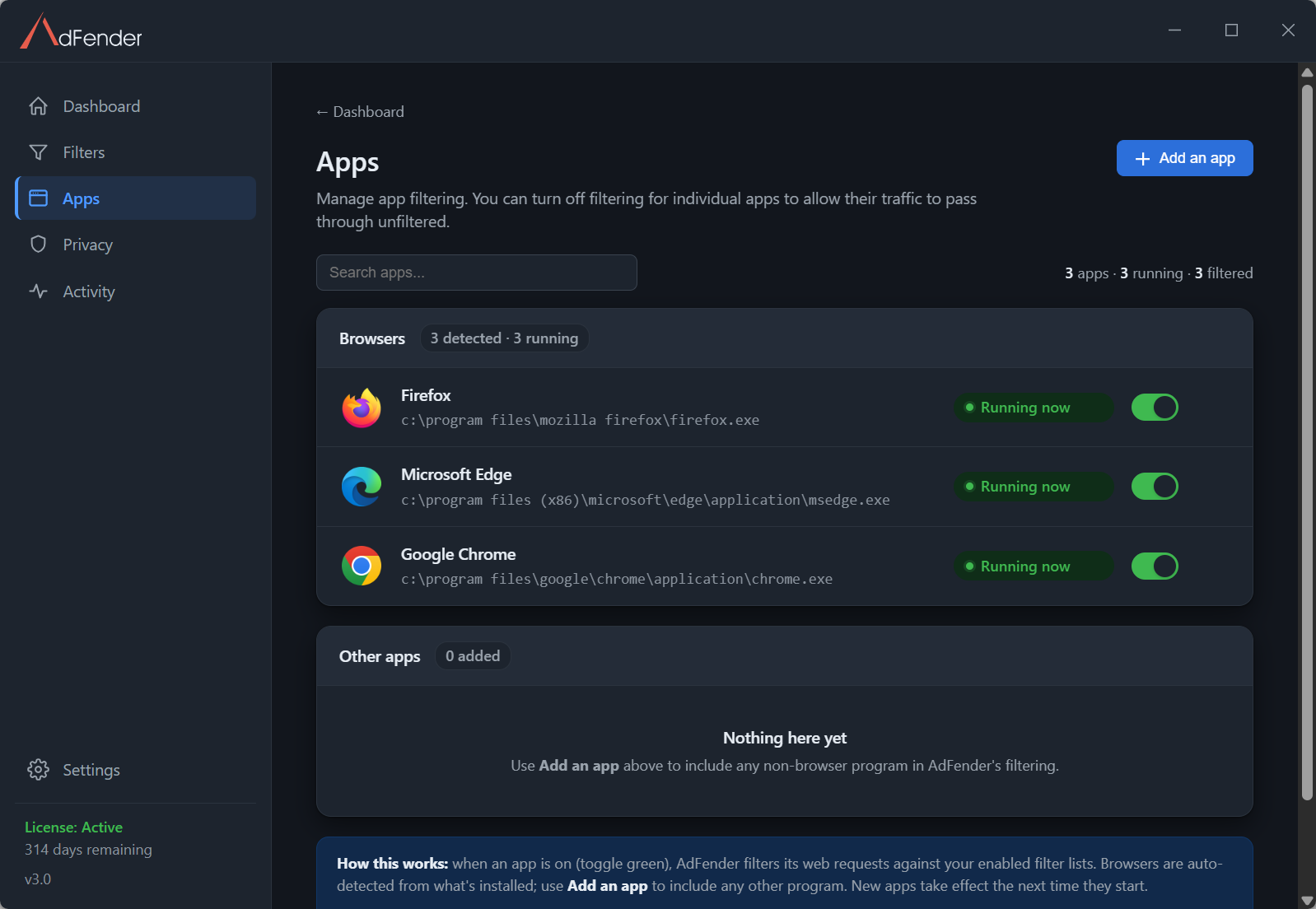
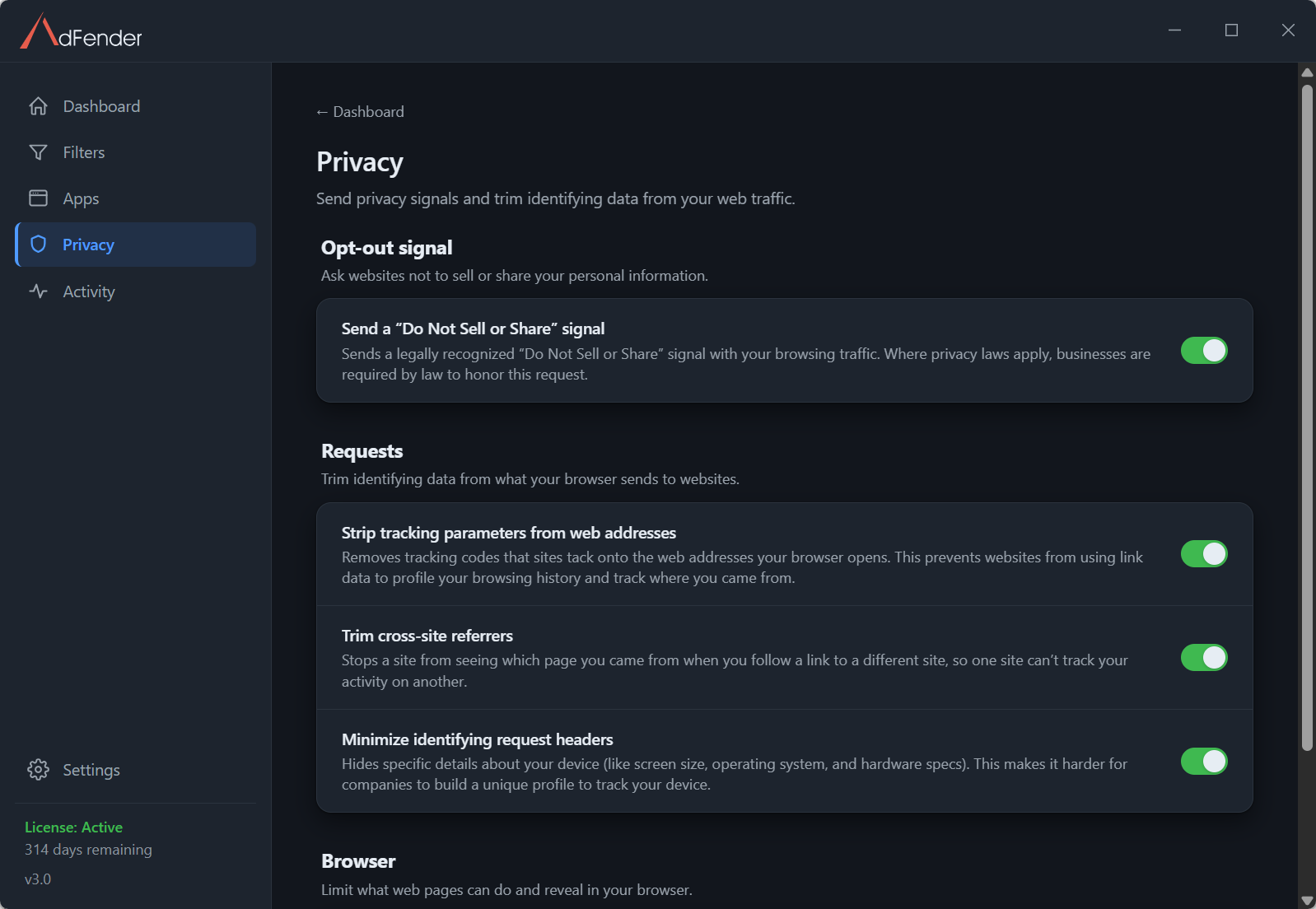
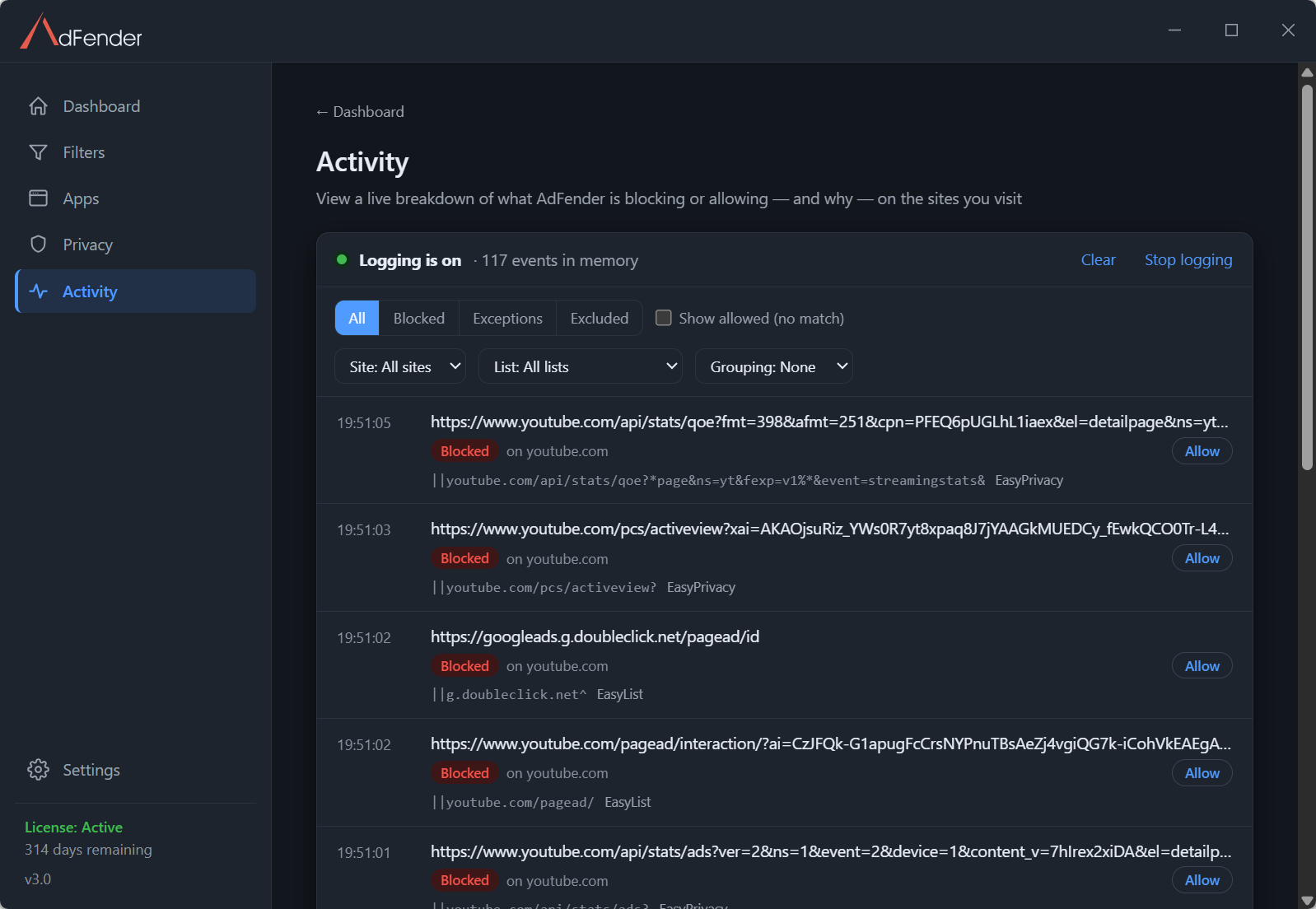
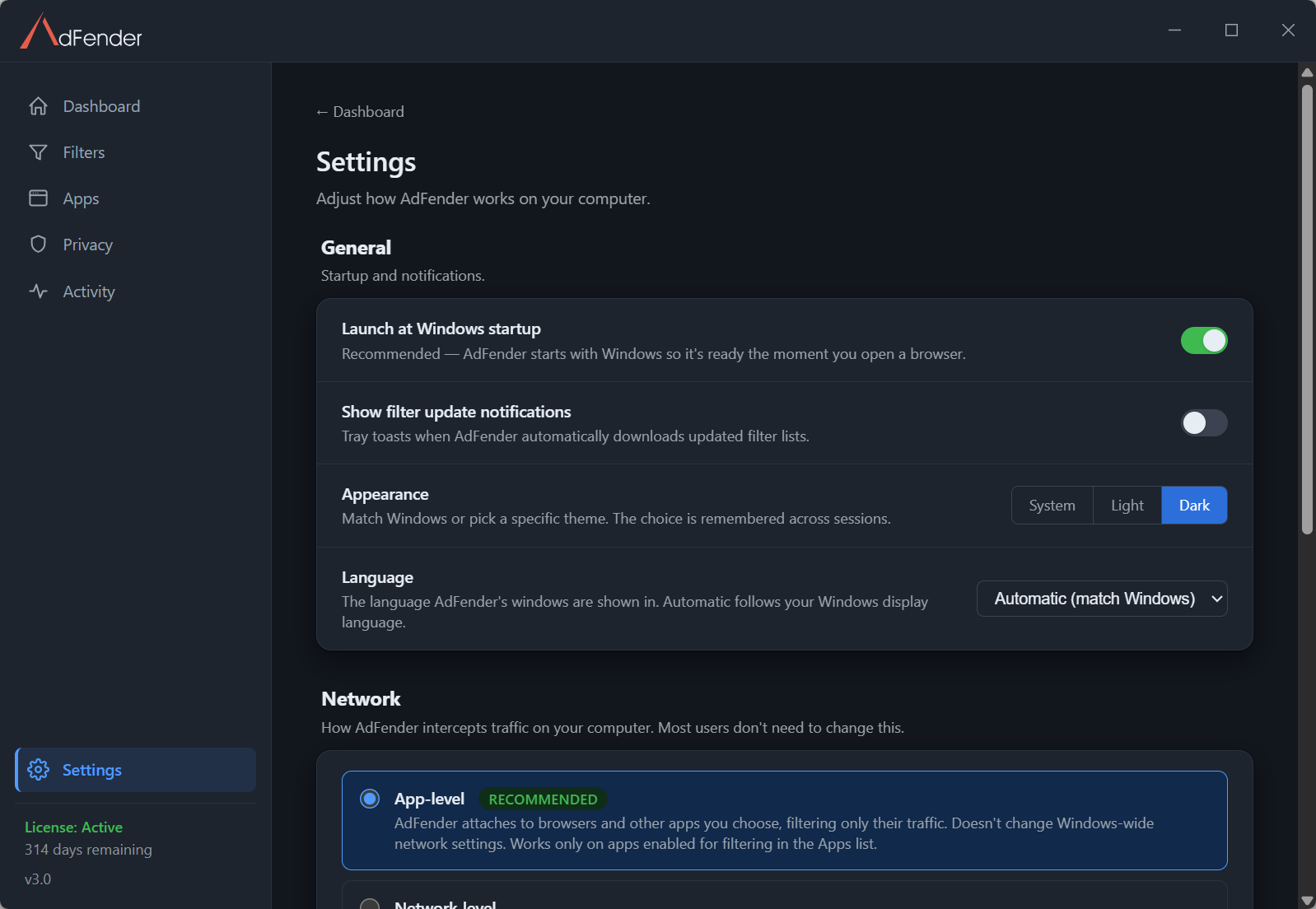
Set up once. Then forget it’s there.
Install in minutes
One small installer, about two minutes. No browser extensions to add and no account to create. Just say yes when setup offers HTTPS filtering.
It works automatically
AdFender filters Chrome, Edge, Firefox, Opera and other supported browsers in the background, from the moment it’s on — you don’t have to do a thing.
Stays current on its own
Filter lists update on their own — the built-in lists and any you add — so the blocking rules stay current.
A cleaner, faster, safer web. Everywhere you browse.
Fewer interruptions
Pop-ups and autoplay video ads are blocked before they load — add the optional notifications list and “allow notifications” prompts go too — so the page you came for is what you actually see.
Fewer trackers following you
AdFender blocks the trackers and analytics beacons your filter lists name — the ones that quietly build a profile of your browsing as you move from site to site.
Safer from malicious ads
Some ads carry malware and scams. AdFender blocks ads before they load, cutting off a route malicious ads use to reach your PC.
Your browsers, one install
Chrome, Edge, Firefox, Opera and other supported browsers are covered by one install — nothing to add inside each browser, and nothing that breaks when a browser changes its extension rules.
Automatic list updates
Ad and tracker lists change constantly. AdFender updates its built-in lists — and any you subscribe to — on its own, so the blocking rules stay current.
Filter other desktop apps
Not just browsers. Got another desktop program showing ads? Add it to AdFender’s filtered apps — something no browser extension can do.
Works with programs that use normal web traffic (HTTP/HTTPS on standard ports). Windows components and Microsoft Store apps can’t be added.
System-wide ad blocker vs. browser extension
A browser extension only guards the browser it lives in — under rules the browser sets. AdFender filters outside the browser.
| What it protects | AdFenderbrowsers and apps | Browser extensionone browser |
|---|---|---|
| Blocks ads in the browser you set it up in | ✓ | ✓ |
| Blocks ads in all your supported browsers at once | ✓ | ✗ |
| Blocks ads in desktop apps you choose to filter | ✓ | ✗ |
| Full filtering power under Chrome’s Manifest V3 rulesChrome now limits what ad-blocking extensions may do. AdFender filters outside the browser, so those limits don’t apply. | ✓ | ✗ |
| Keeps working when you switch browsers | ✓ | ✗ |
| One install, no per-browser setup | ✓ | ✗ |
Every capability in detail: the full feature list.
Take back a quieter web.
Install once. AdFender handles the rest — across your browsers and the apps you choose.
Start your 14-day free trial14 days free, then plans from $24.99/year for 3 PCs, plus tax
No automatic renewal · 30-day money-back guarantee